One design, two authoring paths
The Northstar invoice and Common Ground report now have two source versions: editable HTML templates and reusable Python components. They share the same data, CSS, fonts and artwork. All four PDF pages match pixel for pixel in the same-runtime checks described below.
Download both source versions Northstar component PDF Common Ground component PDF
Component alpha 2.6.0a4
These examples use fullbleed.ui.experimental from the explicitly pinned
2.6.0a4 prerelease. The API may change before stabilization. The original
2.4.0 showcase downloads remain available;
this comparison renders both authoring paths on 2.6.0a4.
Keep the design, choose the source
| Document | HTML/CSS output | Component output | Pages |
|---|---|---|---|
| Northstar Studio | HTML-authored PDF | Component-authored PDF | 1 |
| Common Ground | HTML-authored PDF | Component-authored PDF | 3 |
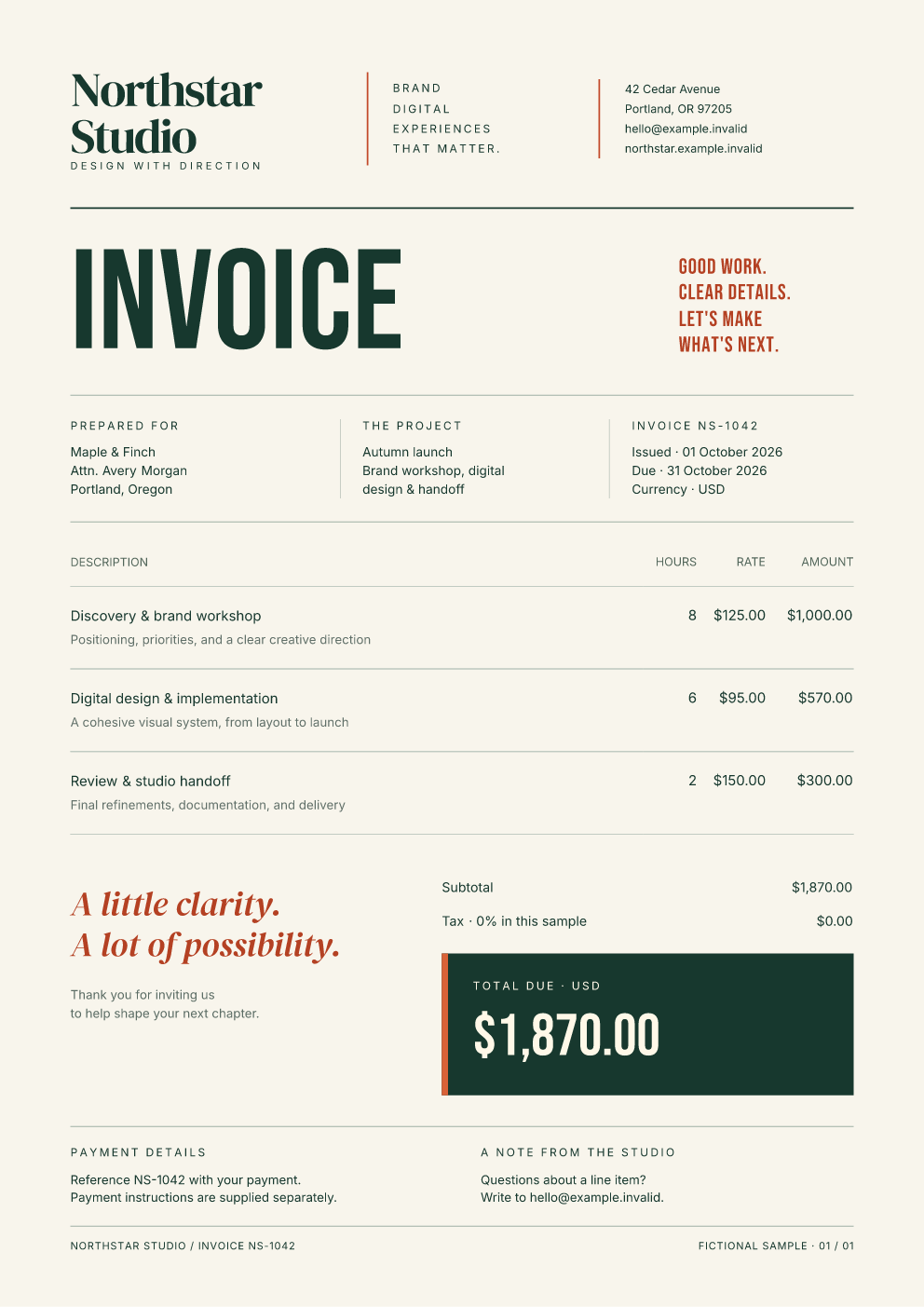
Northstar Studio
InvoiceField groups a label and several lines. InvoiceItems maps records to
typed table columns. AmountDue owns the total panel and exposes its label and
amount as named styling parts. The full document composes these pieces and
calculates totals with Decimal.
The recipient block can be written either way:
The component supplies the tags, line breaks, text escaping and internal styling targets. Call it again with different values to create another field.
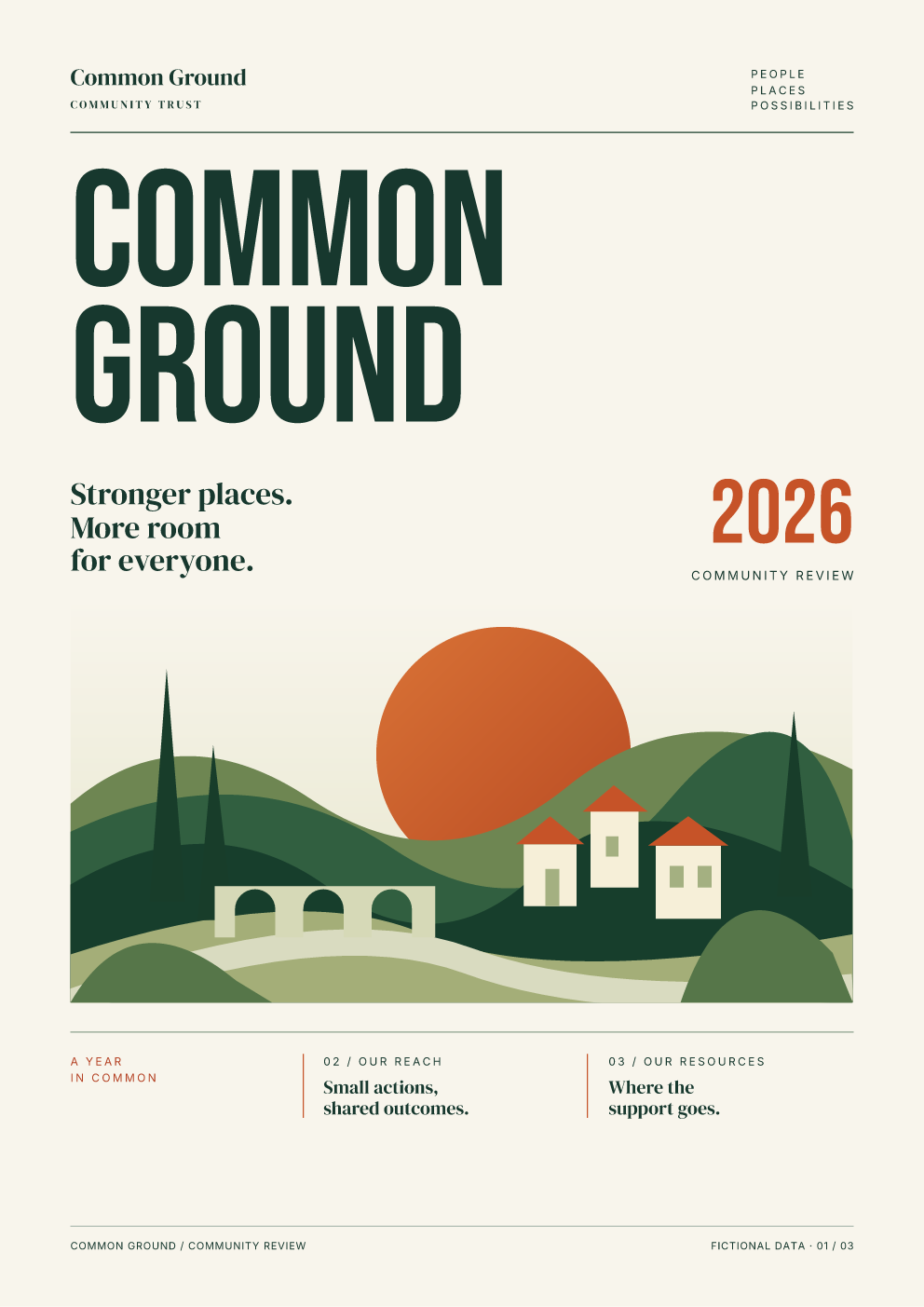
Common Ground
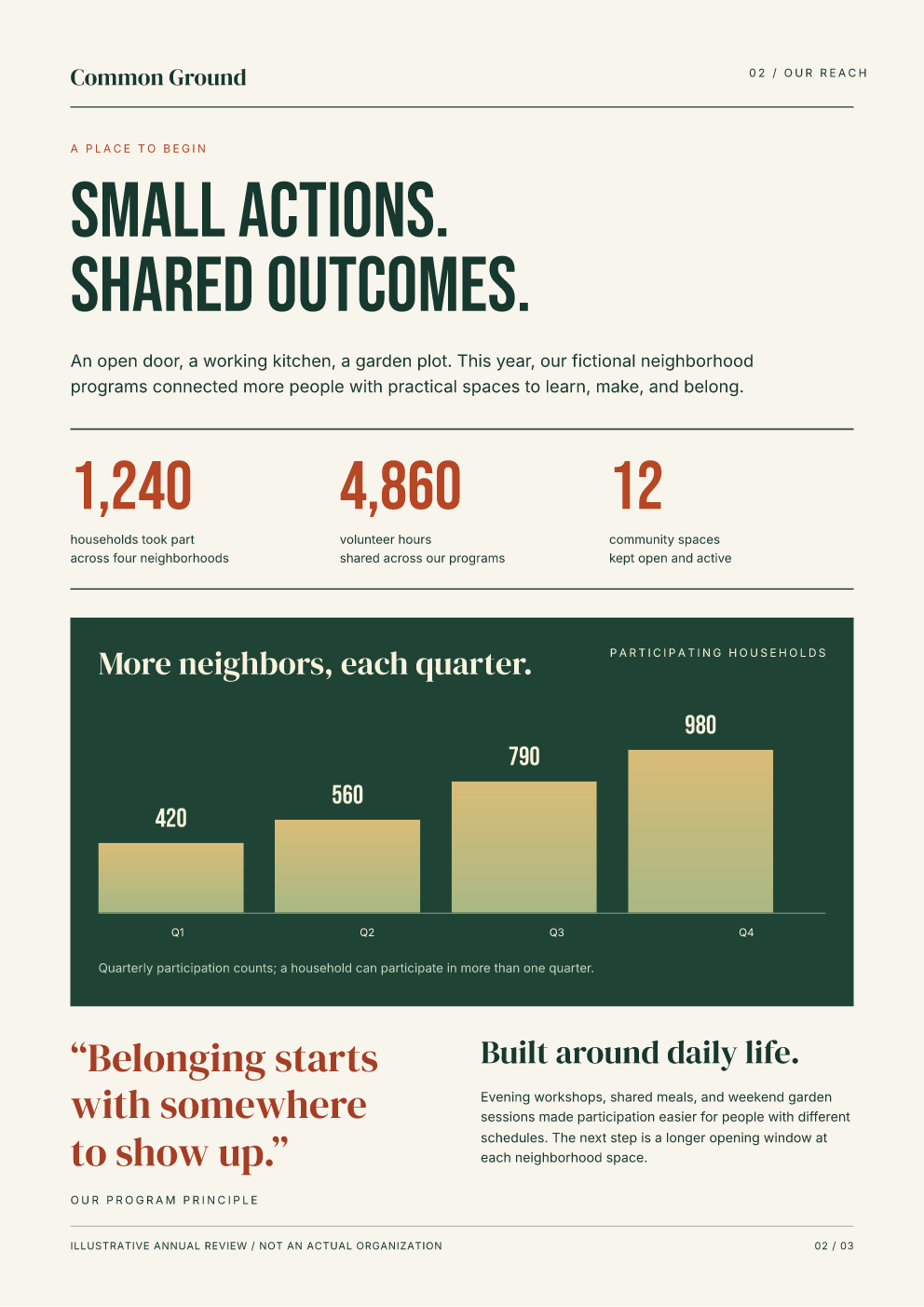
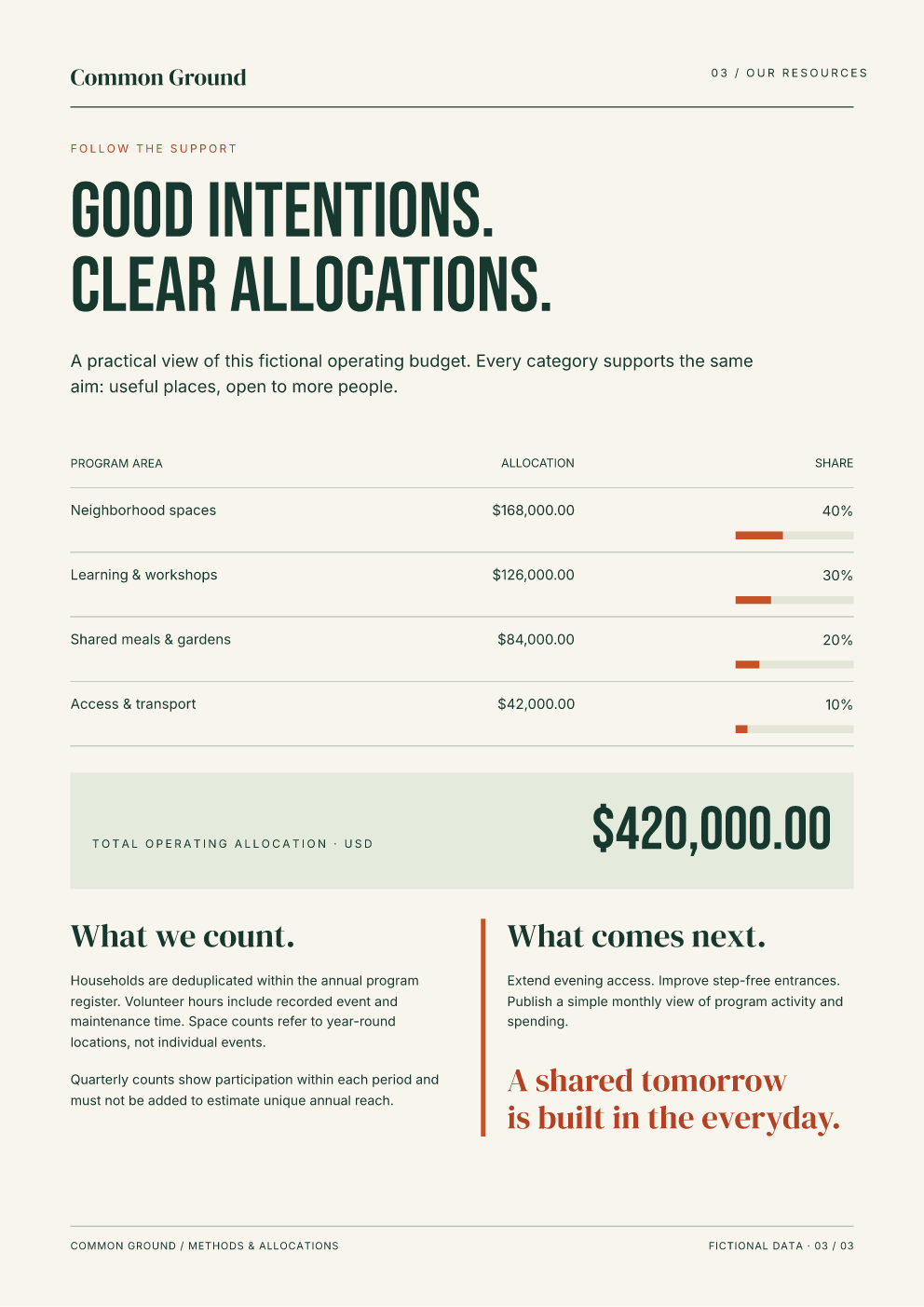
ReportPage provides the masthead and folio. The cover, reach and resources pages
compose metrics, a participation chart and an allocation table. The illustration
uses the original local SVG asset; chart heights and allocation shares come from
the data.
Where the styling lives
These are custom document designs built with the component primitives; they do
not need Bootstrap's default appearance. Both source versions use common.css
and their existing invoice.css or report.css.
class_name="kicker" emits the literal class kicker. It has an appearance because
design_document() loads the shared .kicker CSS rule into Document(styles=...).
The class name itself does not register a style or find a stylesheet automatically.
| Styling choice | What it controls here |
|---|---|
class_name="metric-caption" |
Selects an existing rule in the shared CSS |
style=style(margin_top=pt(12)) |
Applies a value to that node's root |
.with_parts(value=style(...)) |
Changes the internal value advertised by Metric |
Page(size="A4", margin=mm(0)) |
Owns the component document's paper geometry |
For example, customize a metric without knowing its internal tags:
from fullbleed.ui.experimental import pt, style
from report_components import Metric

reach = Metric(1240, "households took part", "across four neighborhoods")
accented = reach.with_parts(
    value=style(color="#b74624", font_size=pt(44)),
)
The examples also customize DataTable's header and cell parts to match the
existing ruled tables. A small selector rule supplies the original numeric
columns' white-space: nowrap behavior.
Run and compare
Extract the download, then run from its root in a fresh Python environment:
python -m pip install -r requirements.txt
python examples/design_showcase/compare_authoring.py --out output
Open output/html/invoice/invoice.pdf and
output/components/invoice/invoice.pdf, then the equivalent report files.
output/comparison.json records the comparison. Use --only invoice or
--only report to check one document.
To render directly, run this from examples/design_showcase/:
from pathlib import Path
from fullbleed.ui.experimental import Renderer
from invoice_components import northstar_invoice
from render import DATA, FONTS

invoice = northstar_invoice(DATA["invoice"])
renderer = Renderer(font_files=[str(path) for path in FONTS])
Path("invoice.pdf").write_bytes(invoice.render_pdf(renderer))
Path("invoice.html").write_text(invoice.to_html(include_styles=True), encoding="utf-8")
Path("invoice.unstyled.html").write_text(invoice.to_html(include_styles=False), encoding="utf-8")
Styled HTML embeds CSS. Unstyled HTML retains the authored classes and content while omitting styles. Both exports are static. For browser use, make the named fonts available through your application's font setup; PDF font registration does not install fonts in a browser.
These are fixed A4 compositions with one and three page budgets. Review the layout after substantial content growth. The quarterly chart keeps the original 980-household scale unless you explicitly change it.
What the matching-output check proves
- Both paths pass the CLI's overflow, missing-glyph and font-substitution gates, expected page counts, required-text checks and deterministic render/verify replay.
- All four native page PNGs are byte-identical at 120 DPI.
- All four saved PDF pages have identical pixels in PDFium at 144 DPI and the same extracted text.
- Northstar's two PDF files are byte-identical. Common Ground's component SVG introduces additional graphics-state scopes, so its PDF bytes differ while its rendered page appearance matches.
- Direct component rendering and embedded-style HTML produce the same component PDF bytes. Unstyled exports omit CSS and preserve authored classes.
Native comparison · Independent-reader comparison · Source and download hashes
These checks cover these two designs on the pinned runtime. They do not imply that arbitrary HTML, CSS or browser layout has complete parity.