Queue PDF jobs in Node.js
An HTTP request burst or a batch of order events can ask for many PDFs at once.
Share one createRenderQueue() across those callers to limit active renders and
waiting work. A request beyond those limits rejects with QUEUE_FULL, giving
the application a way to report that it is busy.
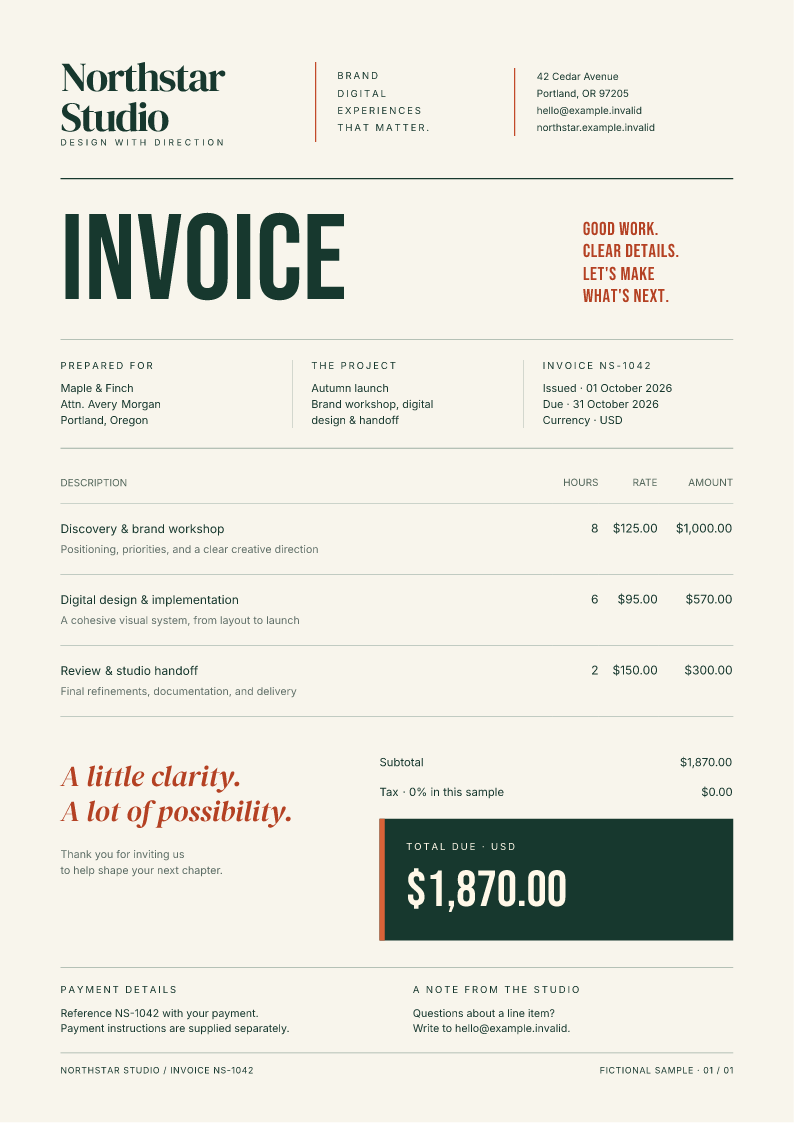
This guide uses Node package 0.4.0, with the Fullbleed 2.5.11 engine and bundled fonts. The sample submits six fictional invoices to two active slots and four waiting slots.
Download the batch project Open a generated invoice
Run the batch
Extract the ZIP and open its node-pdf-queue directory. With Node.js 22 or newer:
Open the six PDFs in output/queued-invoices and the first invoice's PNG preview.
Edit the customer names in render.mjs, or change the HTML and CSS templates.
The script escapes customer names before inserting them. The lockfile pins the
published package and its integrity hash.
Reuse one queue across callers
In a Node project with fullbleed@0.4.0 installed, this runnable example writes
three PDFs. In a server, keep the queue at application scope and call its
renderPdf() method from each request handler:
import { writeFile } from 'node:fs/promises';
import { createRenderQueue } from 'fullbleed';

const documents = createRenderQueue({ concurrency: 2, maxQueue: 4 });
try {
  await Promise.all([1042, 1043, 1044].map(async reference => {
    const result = await documents.renderPdf({
      html: `<h1>Invoice NS-${reference}</h1><p>Consulting: USD 1,200.00</p>`,
      css: '@page { size: A4; margin: 20mm } h1 { color: #175c52 }',
      timeoutMs: 30_000,
      isolation: 'process',
    });
    await writeFile(`invoice-${reference}.pdf`, result.pdf);
  }));
} finally {
  await documents.close();
}
The defaults are one active render and sixteen waiting requests. Set maxQueue
to zero to reject buffering. Slots remain occupied until each worker or child
process has exited, including when rendering fails or is cancelled. A failed job
releases its slot so later work can proceed. The queue never retries jobs.
The isolation: 'process' option contains tested child-process failures and
requires a host that permits child processes. It adds startup and memory
overhead. The default worker mode also works with the queue; see
process isolation
for the tradeoffs and the unresolved native-crash investigation.
Waiting, cancellation, and shutdown
timeoutMs starts at submission, including time in the queue. A waiting request
that expires rejects with TIMEOUT without starting a worker. Pass an
AbortSignal to cancel waiting or active work. Cancelling a waiting request frees
its waiting slot immediately; active cancellation waits for cleanup.
Accepted requests copy input asset/font bytes and snapshot HTML/CSS strings, so
later changes to caller-owned objects do not change a waiting document.
Read activeCount and pendingCount to observe the queue.
close() stops admission, cancels unfinished accepted jobs with QUEUE_CLOSED,
and resolves after cleanup. It is idempotent. In a server, call it at application
shutdown rather than after every request. If accepted jobs must finish normally,
await those jobs first, then close.
Choose limits for the application
Create one shared queue per application process. Separate queues, standalone
renderPdf() calls, and separate server processes have independent limits.
The queue bounds job counts, not total memory. Waiting jobs retain their input
snapshots, and preview images use more memory than PDF-only work.
A web server can map QUEUE_FULL to HTTP 503. An automation consumer can wait for
an accepted job to settle before submitting more. Choose limits for the host and
document sizes. Use the application's durable job system for order events,
scheduling, retries, authentication, and storage; this queue is held in memory
and is lost when the process exits.
Verification
The download checks execute the actual ZIP and this guide's snippet using the public npm package. They observe the six render workers, compare replayed PDF/PNG bytes, and read invoice references, customer names, and totals with independent PDF readers. The package's release evidence covers admission, overload, cancellation, deadlines, shutdown, and process-failure recovery across the installed-package platform matrix.
Node quickstart · API and queue details · Next.js PDF downloads