Create tagged PDFs in C#
Generate a designed library notice with the FullBleed.DotNet NuGet package.
The starter includes editable HTML and CSS, two embedded fonts, a route
illustration and a choice of PDF/UA-1 or PDF/UA-2 output. C# calls the native
Rust engine in your application process.
Download the C# starter Open the PDF/UA-1 specimen Open the PDF/UA-2 specimen
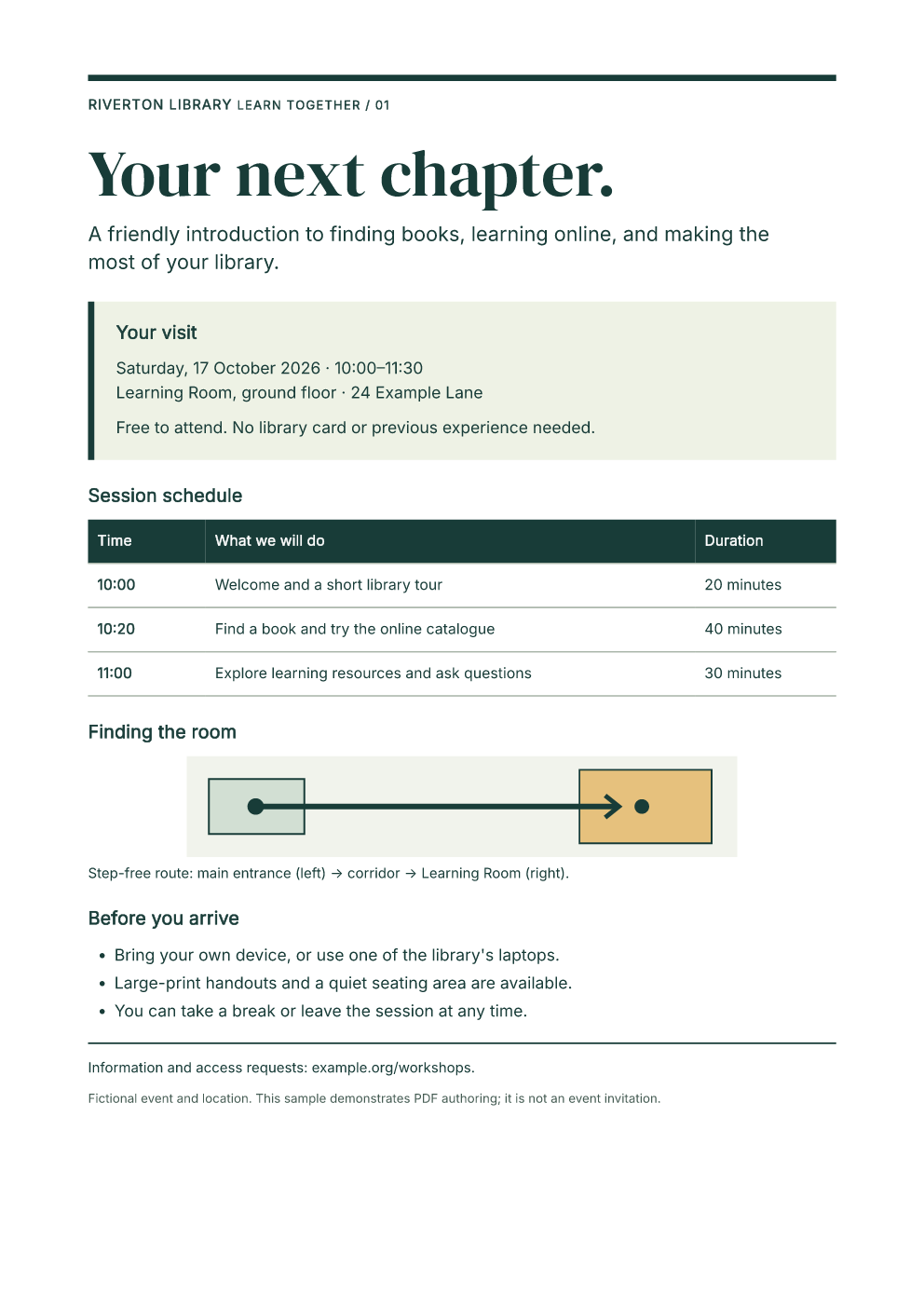
The event and location are fictional. Use the design and source as a starting point, then review your own document's semantics and rendered pages.
Run the editable example
Install the .NET 10 SDK. Extract the download, open fullbleed-tagged-notice,
and run:
dotnet restore --locked-mode
dotnet run -c Release --no-restore -- --profile ua1 --out output/ua1
dotnet run -c Release --no-restore -- --profile ua2 --out output/ua2
Each output directory contains notice.pdf, PNG previews rendered from that
PDF, and render.json with a SHA-256 digest, inspection and rendering
diagnostics. The application fails on missing glyphs. Templates, fonts and
the SVG are local assets; the document makes no network requests.
The lockfile pins FullBleed.DotNet 0.1.7, containing engine 2.5.13. The C# quickstart covers ordinary PDF generation; the ASP.NET guide covers HTTP downloads.
Configure the output profile
The relevant options in Program.cs are:
using var engine = new FullBleedEngine(new FullBleedEngineOptions
{
    PdfProfile = PdfProfile.PdfUa1,
    DocumentLanguage = "en-US",
    DocumentTitle = "Your next chapter: Riverton Library workshop",
    Assets = [
        FullBleedAsset.FromPath(interPath, FullBleedAssetKind.Font),
        FullBleedAsset.FromPath(displayFontPath, FullBleedAssetKind.Font),
        FullBleedAsset.FromPath(routePath, FullBleedAssetKind.Svg, "route.svg"),
    ],
});
var result = engine.RenderPdfWithDiagnostics(html, css);
The complete source resolves these paths from the application's copied
Assets directory. Choose PdfProfile.PdfUa2 for the second profile. Selecting
a profile configures output; it does not establish that your final document
satisfies every accessibility requirement.
Preserve the source meaning
The notice uses one h1, ordered h2 sections, a list, a table with scope
on its row and column headers, and a figure with an authored description and
caption. Its source order follows its visual reading sequence.
<figure>
  <img src="route.svg"
       alt="A straight, step-free corridor connects the main entrance on the left to the Learning Room on the right.">
  <figcaption>Step-free route: main entrance (left) → corridor → Learning Room (right).</figcaption>
</figure>
Change the illustration, description and caption together. Keep real headings and table headers when adjusting the design. Set the language and title for your actual document, and choose embeddable fonts covering its characters. The bundled fonts include their OFL notices.
example.org/workshops is printed sample text. This example does not create
an interactive PDF link for that address.
Validate the final PDF
The supplied specimens pass veraPDF 1.30.2's machine checks for their selected profiles. The verification record records a fresh public NuGet restore, the published application's runtime and native-library identity, repeatable PDF bytes and specimen digests. The source manifest identifies every file in the download. Full validator reports are retained for PDF/UA-1 and PDF/UA-2.
Inspect the final pages and render.json, then run an independent validator
such as veraPDF:
verapdf --format json -f ua1 output/ua1/notice.pdf
verapdf --format json -f ua2 output/ua2/notice.pdf
Keep the validator version, exact PDF, source assets, report and digest together. Repeat these checks after changing your content or design. Review reading order, heading levels, table relationships, alternative text, contrast and usefulness with the intended readers and assistive technology. Machine checks alone do not establish full PDF/UA or WCAG acceptance.
Publish the console application
dotnet publish -c Release --no-restore -o output/publish
dotnet output/publish/AccessibleNotice.dll --profile ua1 --out output/published
Keep the complete publish directory, including native libraries, templates, fonts and notices. The package provides Windows x64, Linux x64 (glibc), Intel macOS and Apple Silicon macOS binaries. The application needs the matching .NET runtime; it does not need Python or a browser renderer.