Try Fullbleed in your browser
Make a real PDF invoice in a notebook. Edit the customer and line items, change the HTML/CSS, then render, preview, and download the result.
Open the notebook in Colab View the source
- Open the notebook and sign in to Google if prompted.
- Use the standard CPU runtime and choose Runtime > Run all.
- Edit the invoice data in step 2, then run steps 2–5 again.
- Download the generated PDF before leaving the runtime.
The example needs no GPU or paid plan. Colab runs the code on a hosted machine and its runtime files are temporary. See Google's Colab FAQ for free-tier availability and runtime limits. You can also download the notebook and run it in local Jupyter with Python 3.10–3.14.
What you will make
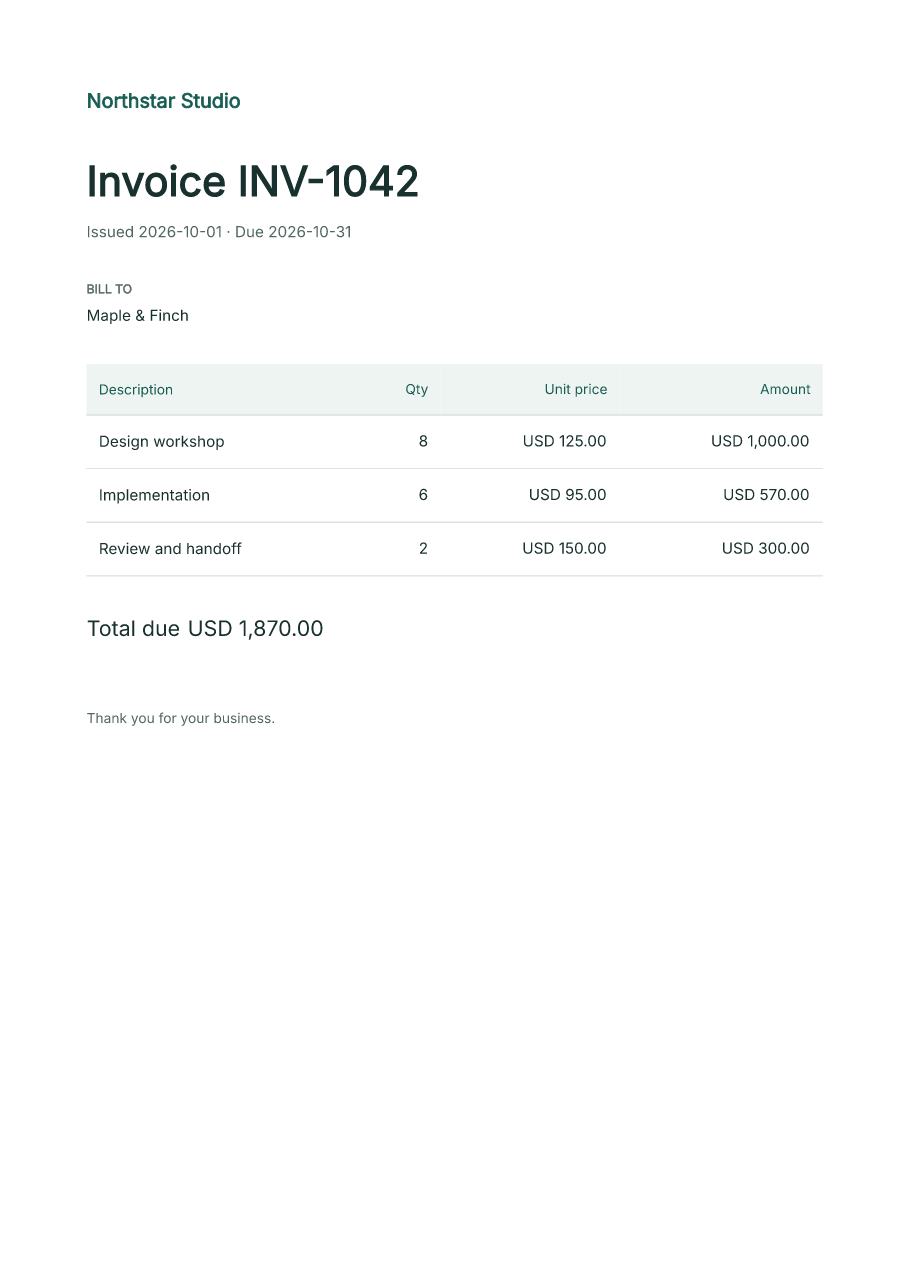
The notebook installs its tested Fullbleed release, uses the bundled Inter font,
and calculates the total with Python Decimal. It saves the HTML, CSS, PDF, PNG
preview, and a small verification report. The sample data is fictional.
It checks the invoice number, customer, and total in extracted PDF text and compares two renders for identical bytes. The verification record describes the checks on this sample. These checks do not certify a PDF standard.
Move into your application
Use the same API in a Python script with python -m pip install fullbleed.
The local quickstart walks through a first script and a complete
project. Continue with JSON and CSV invoices or
compiled variable-data documents.